
Event App Development in Las Vegas: Build Around the Attendee’s Day
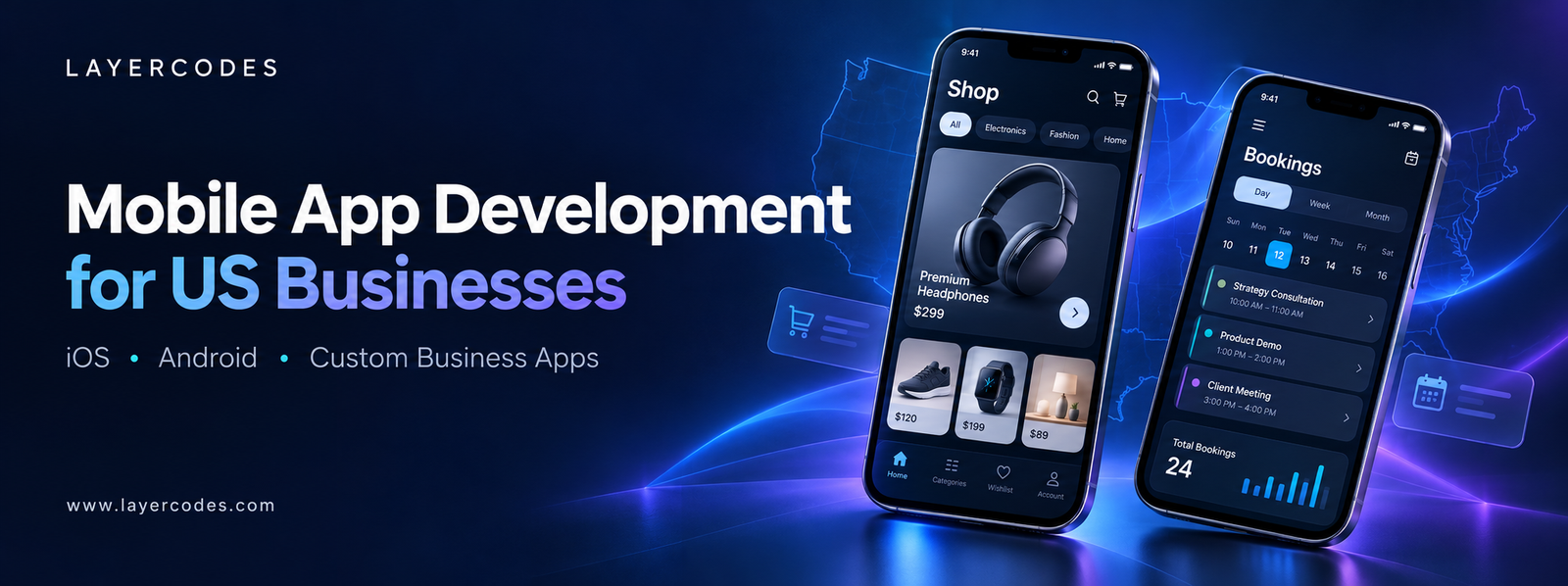
Event App Development in Las Vegas: Build Around the Attendee’s Day
An event app needs to help attendees at specific moments: finding a session, checking a location, accessing approved event information or understanding a last-minute change. A large feature list is less useful if these everyday actions are difficult to complete.
For organizers considering event app development in Las Vegas, map the attendee’s day before selecting functions. Include the people maintaining the information and the staff answering questions during the event. The app should support both sides of the experience.
Choose the event information that needs mobile access
Start with schedules, session details, speakers and practical venue information that the organizer can verify. Decide which material is public and which requires a registered attendee account.
Keep navigation recognizable. A person trying to find the next session should not have to explore an elaborate menu. Useful search or filtering depends on the amount of content, rather than being necessary for every event.
Give schedule changes a responsible owner
Identify who can edit event information and when an update becomes visible. If a session moves, the app should show the current location clearly. Decide whether attendees also need a notification.
Explore mobile app development with the content-update process included in the brief. The administration interface is especially important when changes must be made quickly during the event.
Treat check-in as a separate workflow
If the app includes check-in, define what the credential represents and how staff validate it. Plan for duplicate attempts, a lost device and a visitor whose registration cannot be found. Identify the fallback when connectivity is unavailable.
Do not assume that displaying a code on a screen is a complete access-control system. Staff tools, validation and exception handling need to be designed together.
Make networking optional and understandable
Attendee profiles or contact-sharing features should make their visibility clear. Let people understand what others can see and choose whether to participate. Avoid exposing the full registration record as a public profile.
If users can post content or message one another, define moderation, reporting and support responsibilities. These operational requirements affect the product scope and should be discussed before launch.
Design for use in a busy venue
Readable text, clear contrast and large enough controls help people find information while moving between activities. Keep essential details available through normal navigation rather than only in notifications.
Review the experience through UI and UX design. For Android, the official accessibility guidance offers a useful reference when testing labels, navigation and assistive-technology support.
Decide whether the app serves one event or many
A reusable event platform needs a way to separate editions, manage archived material and update branding or schedules. A single-event app has a different maintenance and support plan. Clarify the intended lifecycle before choosing the structure.
For more extensive event administration, discuss custom software development. Define who handles content, registrations and support so the app fits the organizer’s existing operation.
Does every event need a dedicated app? No. A well-designed mobile website may cover a simpler event. Consider an app when recurring access or specific mobile workflows provide useful value.
What should be tested before the event? Rehearse check-in, a schedule change and a support issue with the staff who will manage them on the day.
Contact Layercodes about your Las Vegas event app. Share the event format, attendee tasks and update requirements. US enquiries: +1 786 758 3260. WhatsApp: +91 7397774366.

All Categories
- accommodation website content
- admission enquiry website
- aesthetic clinic website design
- Alpharetta ecommerce design
- app development proposal
- apparel website development
- appointment request website
- appointment website design
- approval workflow app
- Athens GA online store
- Atlanta business website development
- Atlanta mobile app development
- attendee app
- attorney website structure
- auto repair website Augusta
- auto repair website design Georgia
- B2B service website
- B2B web development
- B2B website development
- Blog
- booking website development
- business mobile application
- business ordering portal
- business website budget
- business website cost
- business website design Chennai
- business website development
- business website planning
- business website redesign checklist
- business website redesign Chennai
- Chennai website development
- Chicago app development partner
- chiropractic website features
- chiropractic website redesign
- chiropractor appointment website
- cleaning company website design Georgia
- click and collect website
- clothing ecommerce Tiruppur
- Columbus GA online store
- conference app development
- contractor website design
- cottage website design Kodaikanal
- course enquiry website
- course website development
- custom app development
- custom business apps
- custom order website
- custom website development
- customer portal app
- customer self-service app
- dental practice website pages
- dentist appointment website
- Denver field service app
- direct booking website
- direct hotel enquiries
- dispatch app development
- Ecommerce
- ecommerce catalogue design
- ecommerce checkout design
- ecommerce development
- ecommerce migration
- ecommerce platform planning
- ecommerce website Madurai
- education website Trichy
- electrician website design Georgia
- enterprise app integration
- estimate request website
- event check-in app
- fast travel website
- furniture product page design
- Gainesville Georgia online store redesign
- garage door website design Georgia
- garment business website
- garment online store
- Georgia booking app development
- Georgia ecommerce development
- Georgia legal website design
- Georgia property website design
- Georgia service business website
- Georgia web development
- home builder website design Georgia
- home exterior contractor website
- homeware ecommerce development
- hotel website design in Munnar
- hotel website development Munnar
- HVAC website design Georgia
- industrial website Coimbatore
- interior designer website
- iOS and Android app development
- iOS Android ecommerce app
- jewellery online store
- jewellery product pages
- Kodaikanal booking website
- Kodaikanal homestay website
- landscape contractor portfolio
- law firm consultation website
- lead generation website
- local business website design
- local delivery ecommerce
- local website design Villupuram
- Macon wholesale website
- manufacturer website design
- manufacturing RFQ website
- Marietta contractor web development
- med spa consultation website
- med spa website checklist
- Miami booking app development
- mobile app development California
- mobile app development cost
- mobile app development Las Vegas
- mobile app development Los Angeles
- mobile app project scope
- mobile tourism website design
- multi-location business app
- Munnar travel agency website
- Munnar website design quote
- MVP app development
- Nevada business app development
- new patient dental website
- New York startup app development
- offline mobile app development
- online reservation website design
- online store development Georgia
- online store development Madurai
- online store Salem
- online store Tirunelveli
- Ooty cab website development
- Ooty tourism website performance
- Ooty website redesign SEO
- operations mobile app
- outdoor service website
- painting company website design Georgia
- Pennsylvania B2B app development
- pest control website design Georgia
- Philadelphia app development
- plumber website design Georgia
- product navigation website
- project enquiry website
- property inquiry website
- quotation ecommerce website
- quotation website
- real estate listing website
- remodeling website design Georgia
- reservation mobile app
- resort website design Munnar
- retail mobile app
- retail website design
- roofing estimate website
- Roswell business website redesign
- Savannah hotel website design
- service business app
- service business website
- service enquiry website
- shopping app development
- small business web design
- small business website
- small business website scope
- store website development
- taxi enquiry website
- technician app development
- Thekkady tour operator website
- Thekkady travel website development
- Tiruchirappalli web design
- tour package website design
- tourism CRM integration
- tourism service pages
- tourism website development Georgia
- tourism website migration
- training institute website
- travel business app
- travel enquiry management
- travel enquiry website
- travel website design Ooty
- travel website design Thekkady
- tree service website design Georgia
- website content audit
- Website design and development
- website design Georgia USA
- website design in Coimbatore
- website design in Madurai
- website design in Tirunelveli
- website design in Tiruppur
- website design Vellore
- website development cost factors
- website development in Chennai
- website development in Erode
- website development in Salem
- website development in Trichy
- website development in Vellore
- website development in Villupuram
- website development proposal
- website enquiry optimisation
- WhatsApp enquiry website
- wholesale catalogue website
- WordPress business website
- workforce mobile app
- workshop website development
Recent Posts
Roswell Website Redesign with a Practical Content Audit
