
Mobile App Development in Miami: Connect Reservations with Customer Self-Service
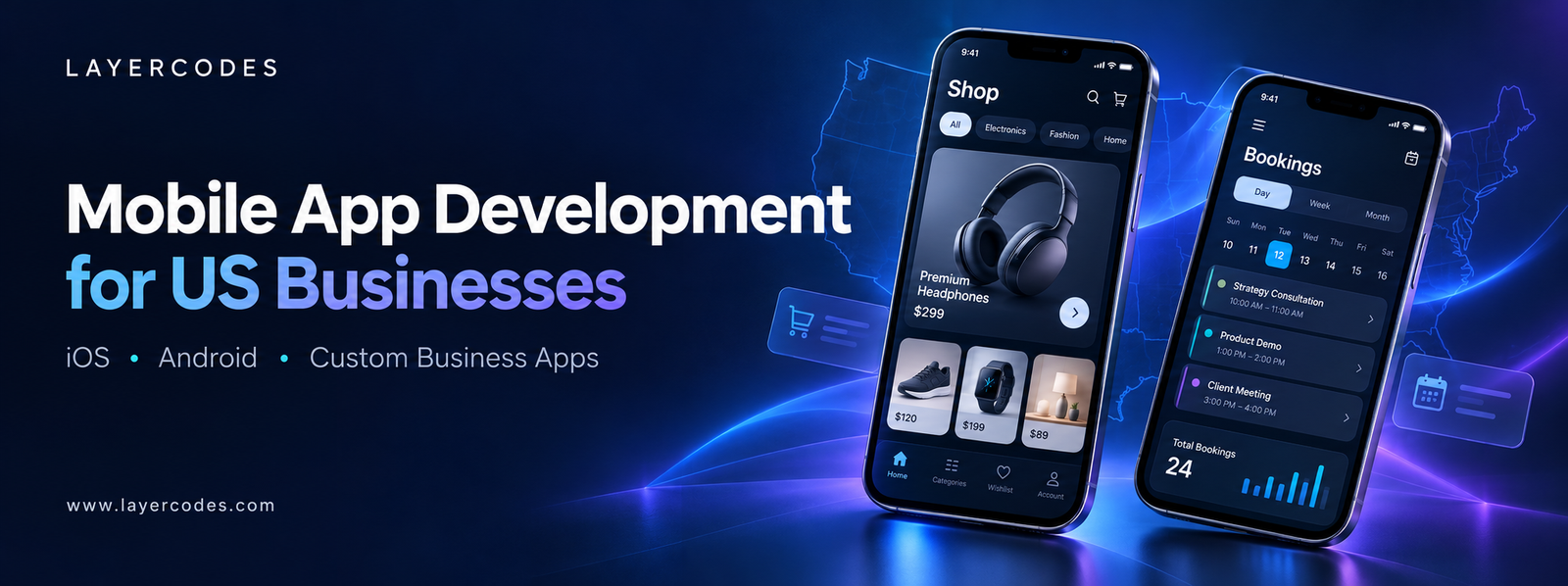
Mobile App Development in Miami: Connect Reservations with Customer Self-Service
A reservation app needs to make availability, confirmation and customer support work together. A customer who submits a request wants to know whether the booking is confirmed and how to make a change. Staff need an accurate record that reflects the same information.
For Miami businesses planning a reservation app, the starting point is the booking operation. Identify the source of availability, the rules for confirmation and the actions customers can complete themselves before deciding how the screens should look.
Establish one source for availability
Decide which system controls inventory or appointment slots. If bookings also arrive by phone or through a website, explain how those channels update the same availability. Conflicting records can create problems regardless of how polished the app appears.
Include the behavior when availability changes during checkout. The customer should receive a clear explanation and a useful next step instead of an ambiguous error after providing their details.
Distinguish requests, holds and confirmed reservations
These states mean different things. A request may need staff review; a temporary hold may expire; a confirmation should correspond to an accepted reservation in the system.
Describe the state consistently in the app, staff tools and messages. Explore mobile app development with these transitions documented so the interface reflects the operation accurately.
Make reservation details easy to retrieve
Customers should be able to find the reference, date, location and relevant instructions without searching old messages. Show information that the business has verified and can keep current.
For businesses serving customers across time zones, define which time zone applies to the booking and display it where ambiguity matters. The app should not silently leave customers to guess whether a time refers to their device or the service location.
Plan changes and cancellations before launch
Identify which actions customers can complete directly and which require staff review. Show the business’s approved terms clearly at the appropriate point. A submitted cancellation request should not look like a completed cancellation if staff must still act.
Give staff the tools to review exceptions and communicate the result. For account-based access to reservations and documents, consider customer portal solutions as part of the supporting system.
Handle payment outcomes clearly
If payment is involved, connect its status with the reservation state. Plan interrupted payments, failed attempts and cases requiring investigation. Customers should not have to guess whether they should pay again.
The exact payment approach depends on what is being sold and applicable platform requirements. Review those requirements during scoping rather than assuming that one checkout method fits every type of app.
Design support around the reservation
Pass the reservation reference into a support request so customers do not repeatedly re-enter it. Explain which channel to use for a time-sensitive issue and when staff are available.
Explore business automation for appropriate confirmations and reminders once the underlying records are dependable. Review unresolved requests and booking corrections after launch to find practical improvements.
Should the app show live availability? Only when the supporting system can provide it reliably. Otherwise label the action as an availability request.
Can a reservation app work with existing software? Potentially, but integration access and behavior need to be confirmed before promising a connection.
Discuss your Miami reservation app with Layercodes. Share your booking software, customer tasks and support process. US enquiries: +1 786 758 3260. WhatsApp: +91 7397774366.

All Categories
- accommodation website content
- admission enquiry website
- aesthetic clinic website design
- Alpharetta ecommerce design
- app development proposal
- apparel website development
- appointment request website
- appointment website design
- approval workflow app
- Athens GA online store
- Atlanta business website development
- Atlanta mobile app development
- attendee app
- attorney website structure
- auto repair website Augusta
- auto repair website design Georgia
- B2B service website
- B2B web development
- B2B website development
- Blog
- booking website development
- business mobile application
- business ordering portal
- business website budget
- business website cost
- business website design Chennai
- business website development
- business website planning
- business website redesign checklist
- business website redesign Chennai
- Chennai website development
- Chicago app development partner
- chiropractic website features
- chiropractic website redesign
- chiropractor appointment website
- cleaning company website design Georgia
- click and collect website
- clothing ecommerce Tiruppur
- Columbus GA online store
- conference app development
- contractor website design
- cottage website design Kodaikanal
- course enquiry website
- course website development
- custom app development
- custom business apps
- custom order website
- custom website development
- customer portal app
- customer self-service app
- dental practice website pages
- dentist appointment website
- Denver field service app
- direct booking website
- direct hotel enquiries
- dispatch app development
- Ecommerce
- ecommerce catalogue design
- ecommerce checkout design
- ecommerce development
- ecommerce migration
- ecommerce platform planning
- ecommerce website Madurai
- education website Trichy
- electrician website design Georgia
- enterprise app integration
- estimate request website
- event check-in app
- fast travel website
- furniture product page design
- Gainesville Georgia online store redesign
- garage door website design Georgia
- garment business website
- garment online store
- Georgia booking app development
- Georgia ecommerce development
- Georgia legal website design
- Georgia property website design
- Georgia service business website
- Georgia web development
- home builder website design Georgia
- home exterior contractor website
- homeware ecommerce development
- hotel website design in Munnar
- hotel website development Munnar
- HVAC website design Georgia
- industrial website Coimbatore
- interior designer website
- iOS and Android app development
- iOS Android ecommerce app
- jewellery online store
- jewellery product pages
- Kodaikanal booking website
- Kodaikanal homestay website
- landscape contractor portfolio
- law firm consultation website
- lead generation website
- local business website design
- local delivery ecommerce
- local website design Villupuram
- Macon wholesale website
- manufacturer website design
- manufacturing RFQ website
- Marietta contractor web development
- med spa consultation website
- med spa website checklist
- Miami booking app development
- mobile app development California
- mobile app development cost
- mobile app development Las Vegas
- mobile app development Los Angeles
- mobile app project scope
- mobile tourism website design
- multi-location business app
- Munnar travel agency website
- Munnar website design quote
- MVP app development
- Nevada business app development
- new patient dental website
- New York startup app development
- offline mobile app development
- online reservation website design
- online store development Georgia
- online store development Madurai
- online store Salem
- online store Tirunelveli
- Ooty cab website development
- Ooty tourism website performance
- Ooty website redesign SEO
- operations mobile app
- outdoor service website
- painting company website design Georgia
- Pennsylvania B2B app development
- pest control website design Georgia
- Philadelphia app development
- plumber website design Georgia
- product navigation website
- project enquiry website
- property inquiry website
- quotation ecommerce website
- quotation website
- real estate listing website
- remodeling website design Georgia
- reservation mobile app
- resort website design Munnar
- retail mobile app
- retail website design
- roofing estimate website
- Roswell business website redesign
- Savannah hotel website design
- service business app
- service business website
- service enquiry website
- shopping app development
- small business web design
- small business website
- small business website scope
- store website development
- taxi enquiry website
- technician app development
- Thekkady tour operator website
- Thekkady travel website development
- Tiruchirappalli web design
- tour package website design
- tourism CRM integration
- tourism service pages
- tourism website development Georgia
- tourism website migration
- training institute website
- travel business app
- travel enquiry management
- travel enquiry website
- travel website design Ooty
- travel website design Thekkady
- tree service website design Georgia
- website content audit
- Website design and development
- website design Georgia USA
- website design in Coimbatore
- website design in Madurai
- website design in Tirunelveli
- website design in Tiruppur
- website design Vellore
- website development cost factors
- website development in Chennai
- website development in Erode
- website development in Salem
- website development in Trichy
- website development in Vellore
- website development in Villupuram
- website development proposal
- website enquiry optimisation
- WhatsApp enquiry website
- wholesale catalogue website
- WordPress business website
- workforce mobile app
- workshop website development
Recent Posts
Roswell Website Redesign with a Practical Content Audit
