
Mobile App Development in Pennsylvania: When a B2B Customer Portal Makes Sense
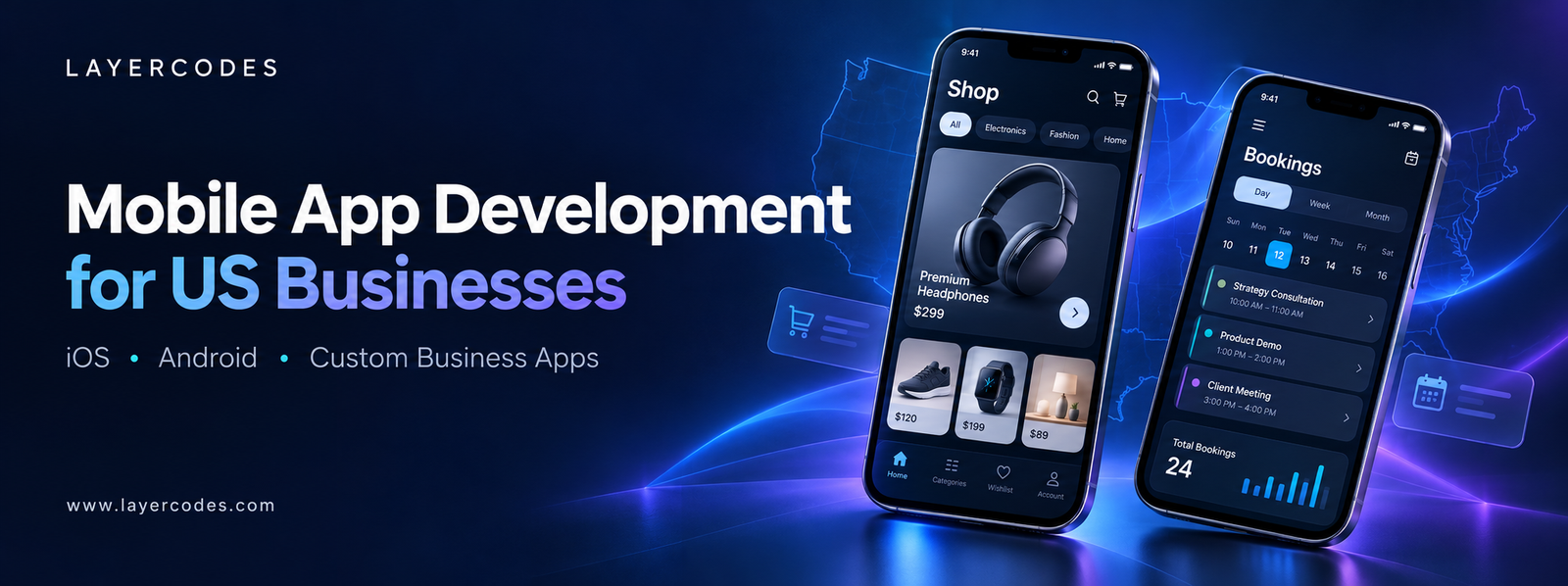
Mobile App Development in Pennsylvania: When a B2B Customer Portal Makes Sense
Repeated customer questions can reveal a useful mobile app opportunity. If customers regularly ask for order status, shared documents or updates on service requests, a portal may help them find information without waiting for a manual reply.
For Pennsylvania businesses, the decision should begin with frequency and usefulness. An app is worth considering when customers have recurring tasks that work well on a phone. Occasional access to a single document may be better served by a straightforward web portal.
Identify the tasks customers repeat
Review common support questions and the information staff repeatedly send. Select the tasks that customers would benefit from completing themselves, such as checking an order or submitting a service request.
Do not assume that everything available internally belongs in the customer experience. Build the first version around information that is useful, current and appropriate to share. Keep internal working notes separate.
Define account access carefully
A business customer may have several users with different responsibilities. One person may view documents while another approves requests. Define those roles before the interface is designed.
Access must be enforced by the supporting system, not only by hiding buttons. Include a process for removing access when a user leaves a customer organization. Test that one account cannot retrieve another account’s records.
Decide where each piece of information comes from
Order details may live in one system and support requests in another. Identify the authoritative source and how updates reach the app. Show meaningful status information rather than exposing an internal code that customers do not understand.
Explore customer portal development while mapping those requirements. Where integrations are needed, document the information exchanged and what should happen when a connected service is unavailable.
Make requests easy to follow
Give each request a reference and a clear status. Explain whether the customer needs to provide more information or whether the team is working on it. Make it possible to find previous requests without starting a duplicate conversation.
The staff interface needs corresponding tools to review, assign and close work. Include those tools in the mobile app development brief so the customer experience has an operational process behind it.
Plan documents and notifications with care
Document access should reflect account permissions and current versions. If a document changes, decide whether the old version remains available and how the customer is informed. Avoid sending sensitive content directly in a push notification when a simple update notice is sufficient.
Let customers understand which notifications they will receive. Prioritize events that help them act, such as a response requiring attention, rather than sending an alert for every internal update.
Compare the app with a web portal
A mobile app can be useful for repeated access or device-specific tasks. A responsive web portal may suit customers who mainly work at a desk or visit infrequently. The two can share a supporting system when the requirements justify it.
Discuss custom software development in terms of these workflows and integration needs. Choose the interface after understanding the customer behavior rather than treating an app as the automatic answer.
What should the first release include? Start with a small group of high-frequency tasks and the staff tools needed to support them.
How should success be measured? Review completed self-service tasks, unresolved requests and customer feedback. Fewer calls matter only if customers are getting useful answers.
Discuss your Pennsylvania customer app with Layercodes. Share the recurring tasks and existing systems. US enquiries: +1 786 758 3260. WhatsApp: +91 7397774366.

All Categories
- accommodation website content
- admission enquiry website
- aesthetic clinic website design
- Alpharetta ecommerce design
- app development proposal
- apparel website development
- appointment request website
- appointment website design
- approval workflow app
- Athens GA online store
- Atlanta business website development
- Atlanta mobile app development
- attendee app
- attorney website structure
- auto repair website Augusta
- auto repair website design Georgia
- B2B service website
- B2B web development
- B2B website development
- Blog
- booking website development
- business mobile application
- business ordering portal
- business website budget
- business website cost
- business website design Chennai
- business website development
- business website planning
- business website redesign checklist
- business website redesign Chennai
- Chennai website development
- Chicago app development partner
- chiropractic website features
- chiropractic website redesign
- chiropractor appointment website
- cleaning company website design Georgia
- click and collect website
- clothing ecommerce Tiruppur
- Columbus GA online store
- conference app development
- contractor website design
- cottage website design Kodaikanal
- course enquiry website
- course website development
- custom app development
- custom business apps
- custom order website
- custom website development
- customer portal app
- customer self-service app
- dental practice website pages
- dentist appointment website
- Denver field service app
- direct booking website
- direct hotel enquiries
- dispatch app development
- Ecommerce
- ecommerce catalogue design
- ecommerce checkout design
- ecommerce development
- ecommerce migration
- ecommerce platform planning
- ecommerce website Madurai
- education website Trichy
- electrician website design Georgia
- enterprise app integration
- estimate request website
- event check-in app
- fast travel website
- furniture product page design
- Gainesville Georgia online store redesign
- garage door website design Georgia
- garment business website
- garment online store
- Georgia booking app development
- Georgia ecommerce development
- Georgia legal website design
- Georgia property website design
- Georgia service business website
- Georgia web development
- home builder website design Georgia
- home exterior contractor website
- homeware ecommerce development
- hotel website design in Munnar
- hotel website development Munnar
- HVAC website design Georgia
- industrial website Coimbatore
- interior designer website
- iOS and Android app development
- iOS Android ecommerce app
- jewellery online store
- jewellery product pages
- Kodaikanal booking website
- Kodaikanal homestay website
- landscape contractor portfolio
- law firm consultation website
- lead generation website
- local business website design
- local delivery ecommerce
- local website design Villupuram
- Macon wholesale website
- manufacturer website design
- manufacturing RFQ website
- Marietta contractor web development
- med spa consultation website
- med spa website checklist
- Miami booking app development
- mobile app development California
- mobile app development cost
- mobile app development Las Vegas
- mobile app development Los Angeles
- mobile app project scope
- mobile tourism website design
- multi-location business app
- Munnar travel agency website
- Munnar website design quote
- MVP app development
- Nevada business app development
- new patient dental website
- New York startup app development
- offline mobile app development
- online reservation website design
- online store development Georgia
- online store development Madurai
- online store Salem
- online store Tirunelveli
- Ooty cab website development
- Ooty tourism website performance
- Ooty website redesign SEO
- operations mobile app
- outdoor service website
- painting company website design Georgia
- Pennsylvania B2B app development
- pest control website design Georgia
- Philadelphia app development
- plumber website design Georgia
- product navigation website
- project enquiry website
- property inquiry website
- quotation ecommerce website
- quotation website
- real estate listing website
- remodeling website design Georgia
- reservation mobile app
- resort website design Munnar
- retail mobile app
- retail website design
- roofing estimate website
- Roswell business website redesign
- Savannah hotel website design
- service business app
- service business website
- service enquiry website
- shopping app development
- small business web design
- small business website
- small business website scope
- store website development
- taxi enquiry website
- technician app development
- Thekkady tour operator website
- Thekkady travel website development
- Tiruchirappalli web design
- tour package website design
- tourism CRM integration
- tourism service pages
- tourism website development Georgia
- tourism website migration
- training institute website
- travel business app
- travel enquiry management
- travel enquiry website
- travel website design Ooty
- travel website design Thekkady
- tree service website design Georgia
- website content audit
- Website design and development
- website design Georgia USA
- website design in Coimbatore
- website design in Madurai
- website design in Tirunelveli
- website design in Tiruppur
- website design Vellore
- website development cost factors
- website development in Chennai
- website development in Erode
- website development in Salem
- website development in Trichy
- website development in Vellore
- website development in Villupuram
- website development proposal
- website enquiry optimisation
- WhatsApp enquiry website
- wholesale catalogue website
- WordPress business website
- workforce mobile app
- workshop website development
Recent Posts
Roswell Website Redesign with a Practical Content Audit
